Alert Overview
Error
Appears in place of the chart
What does this look like?
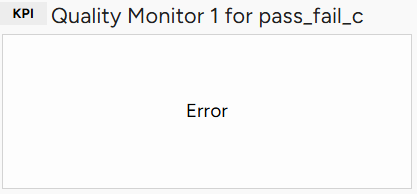
Why does this happen?
The error may appear because the monitor you are looking for has been deleted or no longer matches the monitor in Alert Overview.
What should you do?
- Determine what type of monitor/signal is causing the error
- Investigate the source (e.g., quality monitors for KPI type)
Alert not found
Why does this happen?
This error typically occurs when clicking on a chart labeled "Error" in the Alert Overview. It indicates that the system is unable to retrieve the specific alert details, often because the underlying monitor or its configuration has changed or been removed.
What should you do?
While the specific alert details are currently unavailable, you can continue to monitor other active signals or verify the monitor's status in the Quality Monitors module.
Ingestion Alert
Why does this happen?
No data has been ingested for the selected line during your specified interval.
What should you do?
- Check that your data source is connected and sending data.
- If needed, adjust the number of hours without data ingestion that will trigger an alert in System Settings > Line Management.